When you first click on your organization, you'll see the Activity page.
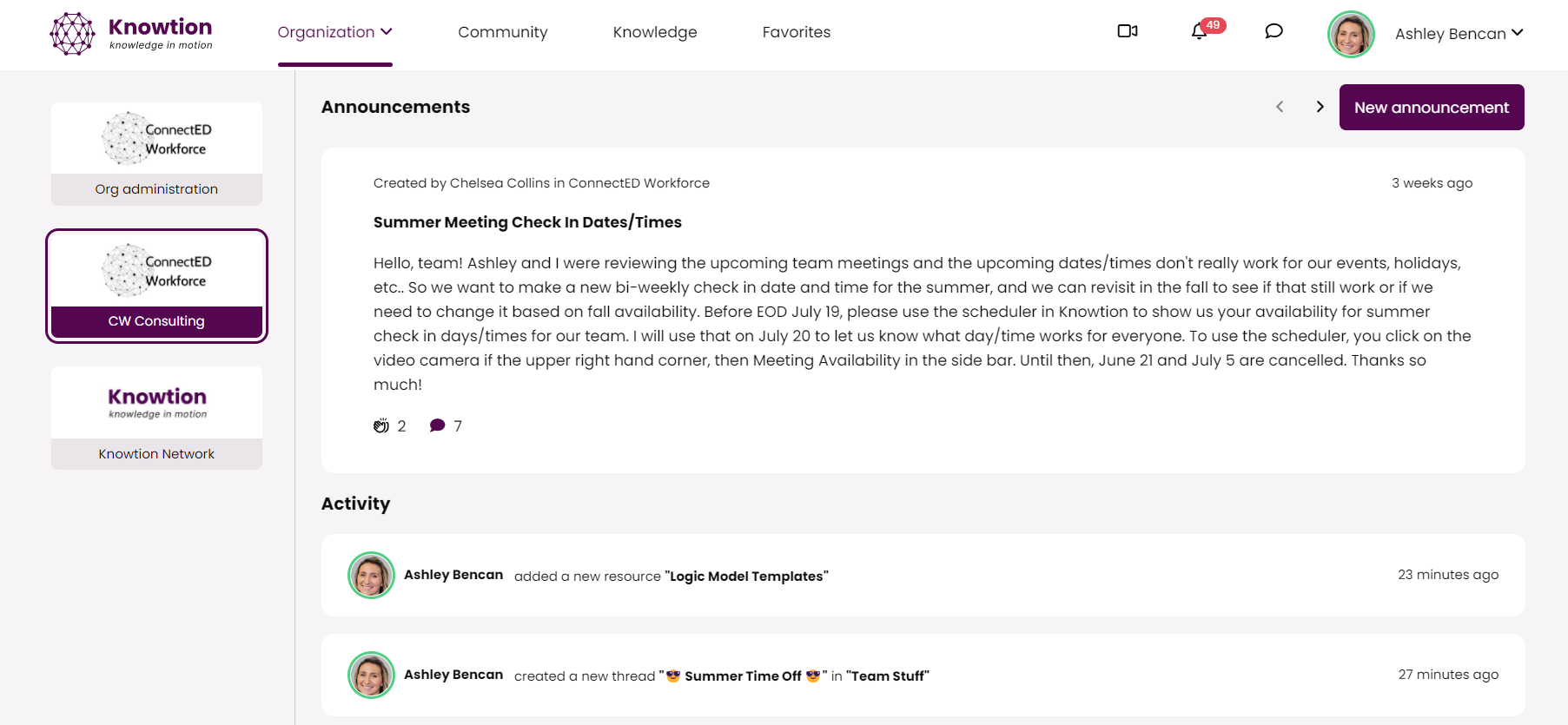
Network administrators can send periodic announcements to you and other members of the network. You can click the < > to scroll between the announcements that have been shared to this network.
You can clap to react to an announcement
You can ask respond to announcements using the 🗨feature
As you and fellow members engage in your PLC, the activity feed below will populate. Anytime a member adds a resource or creates a discussion thread, the shortcut will appear.
Sharing a resource > Click on the "TITLE" and you can jump right to the resource
Creating a discussion thread > Click on the "TITLE" and you can jump into the discussion
