On the top navigation in the public side of Knowtion, there is a title called Favorites. This is where you can store and organize saved resources, research, opportunities and more.
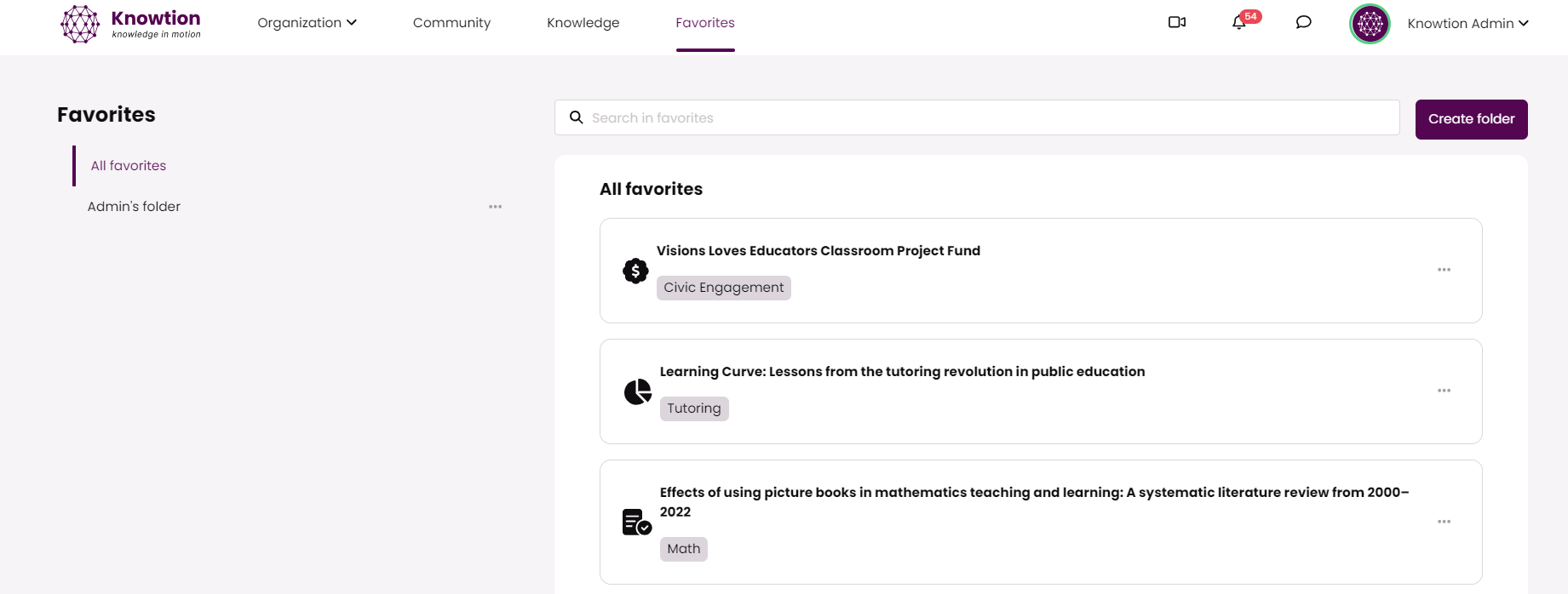
You can organize your content by creating folders using the 'Create folder' button on the top right. Once you have saved content to your Favorites, you can add them to a folder.
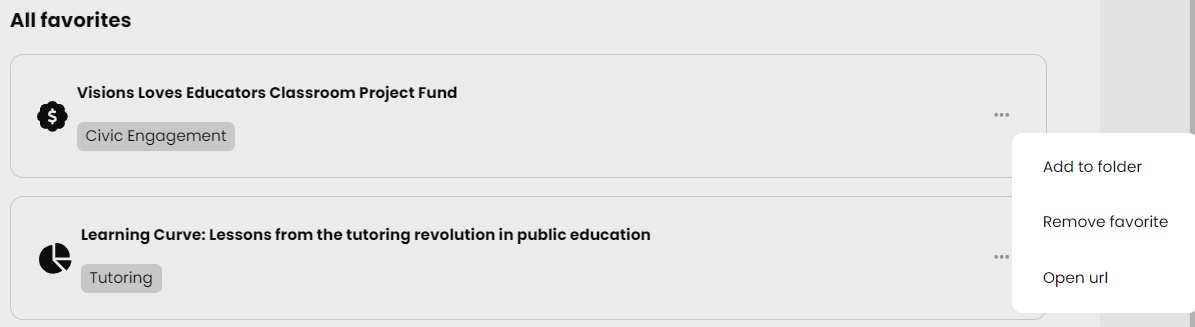
To Save Content:
Click on the Knowledge tab
Begin searching, sorting or filtering the curated content
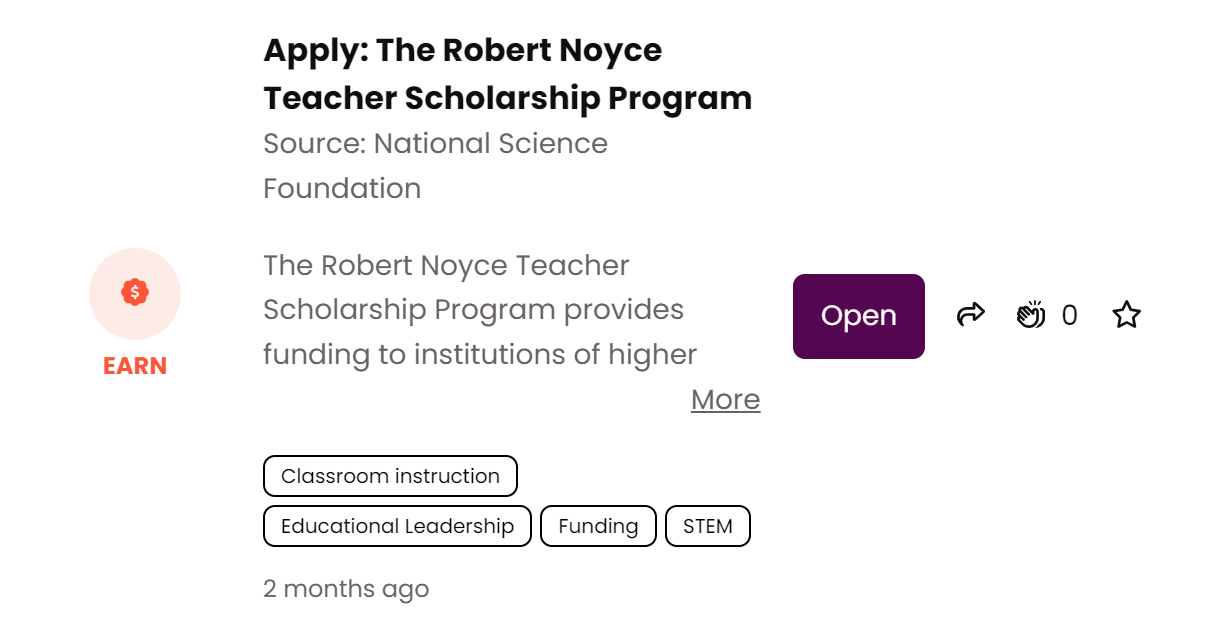
When you find one or more resources interesting and you would like to save it, click the star on the far right. See image below:
In the private space, you can save a resource that has been shared by your organization. See the image below:

