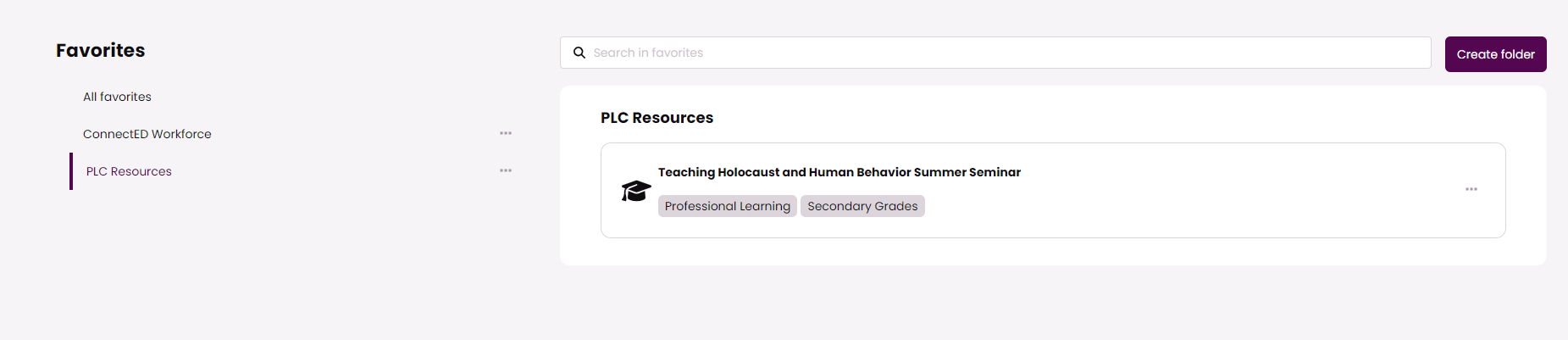
To quickly find the content you need, you can click the ✰ and add that item to your favorites.

Once you've saved it the ✰ will turn ★ and you can manage your favorites in the top navigation. One way to manage your favorites is to create folders for the content you save
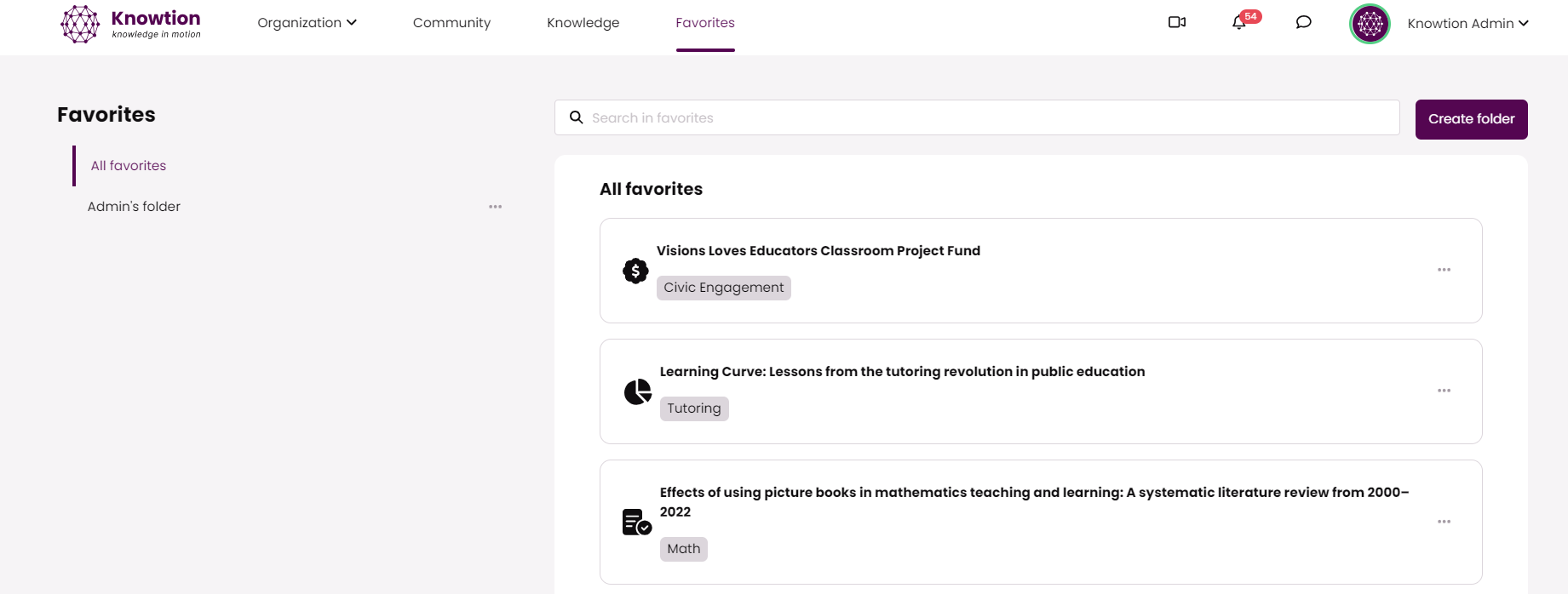
If you are a member of an organization or PLC--we recommend creating a folder for that PLC so you can save the organization specific resources in one easy to access location.