When your organization uses Knowtion to support and operationalize Professional Learning Communities (PLC)- they can share resources within and across Networks. You can access these resources by clicking on the RESOURCE Tab on the Organization Dashboard
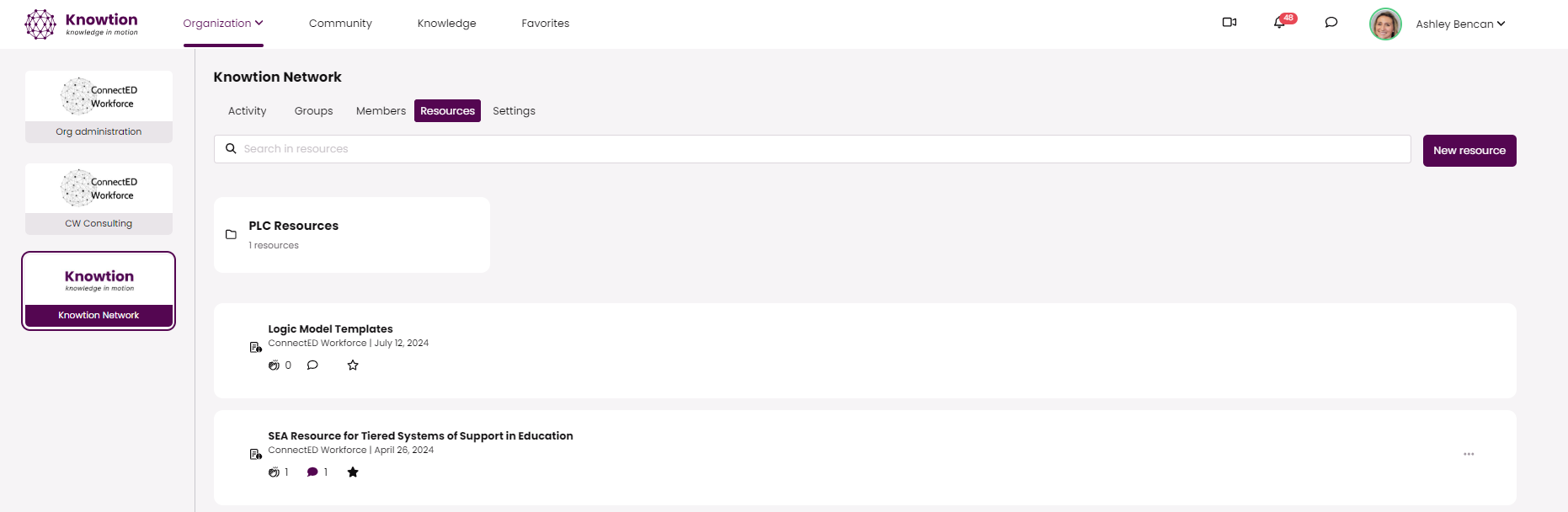
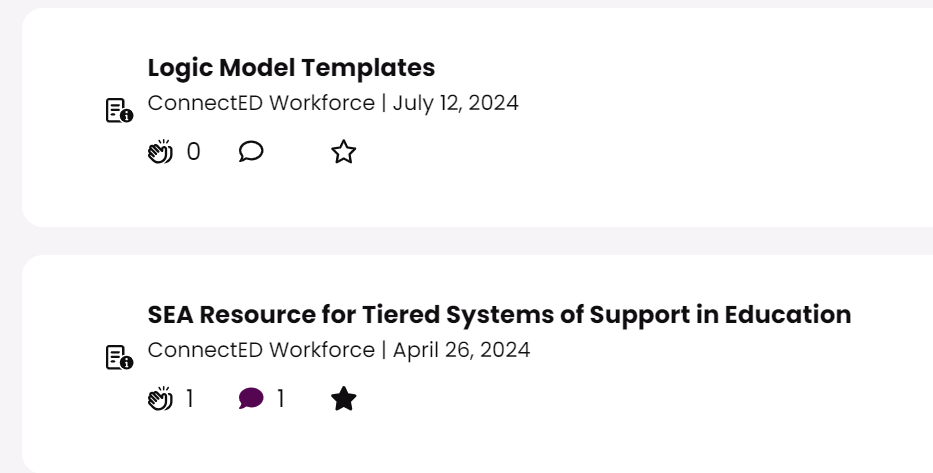
Your organization network administrators create the folders that can store resources. You can SAVE the resource to your favorites by clicking the ✰. Once clicked, the star will become filled to indicate you have saved this resource to your favorites.
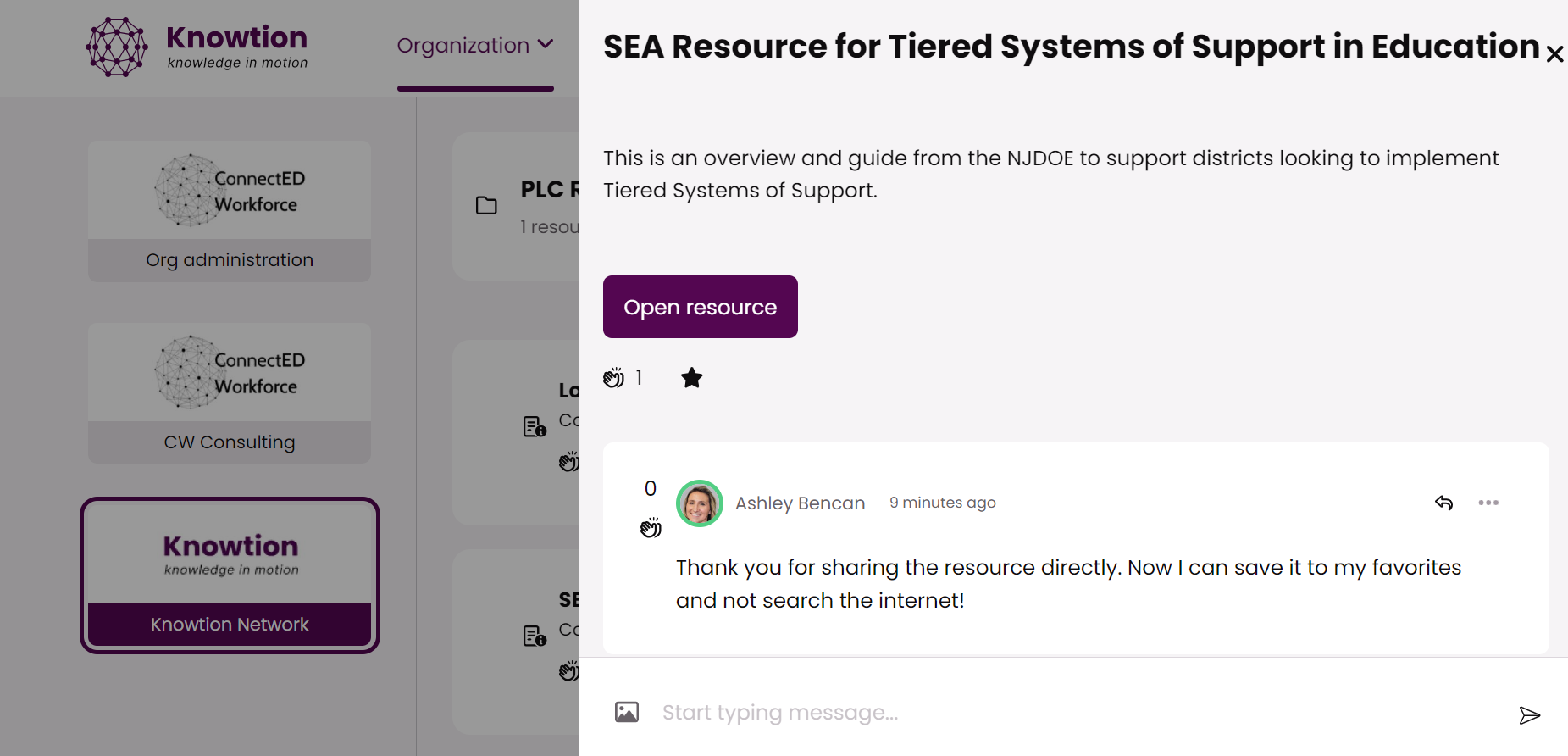
To open a resource, simply click on the title> click open resource. You can also share reactions, comments, questions or images specific to this resource.