A core component of your PLC is the ability to connect via groups. Your network administrators set up each group. To access the groups within your organization you click on the GROUP tab.
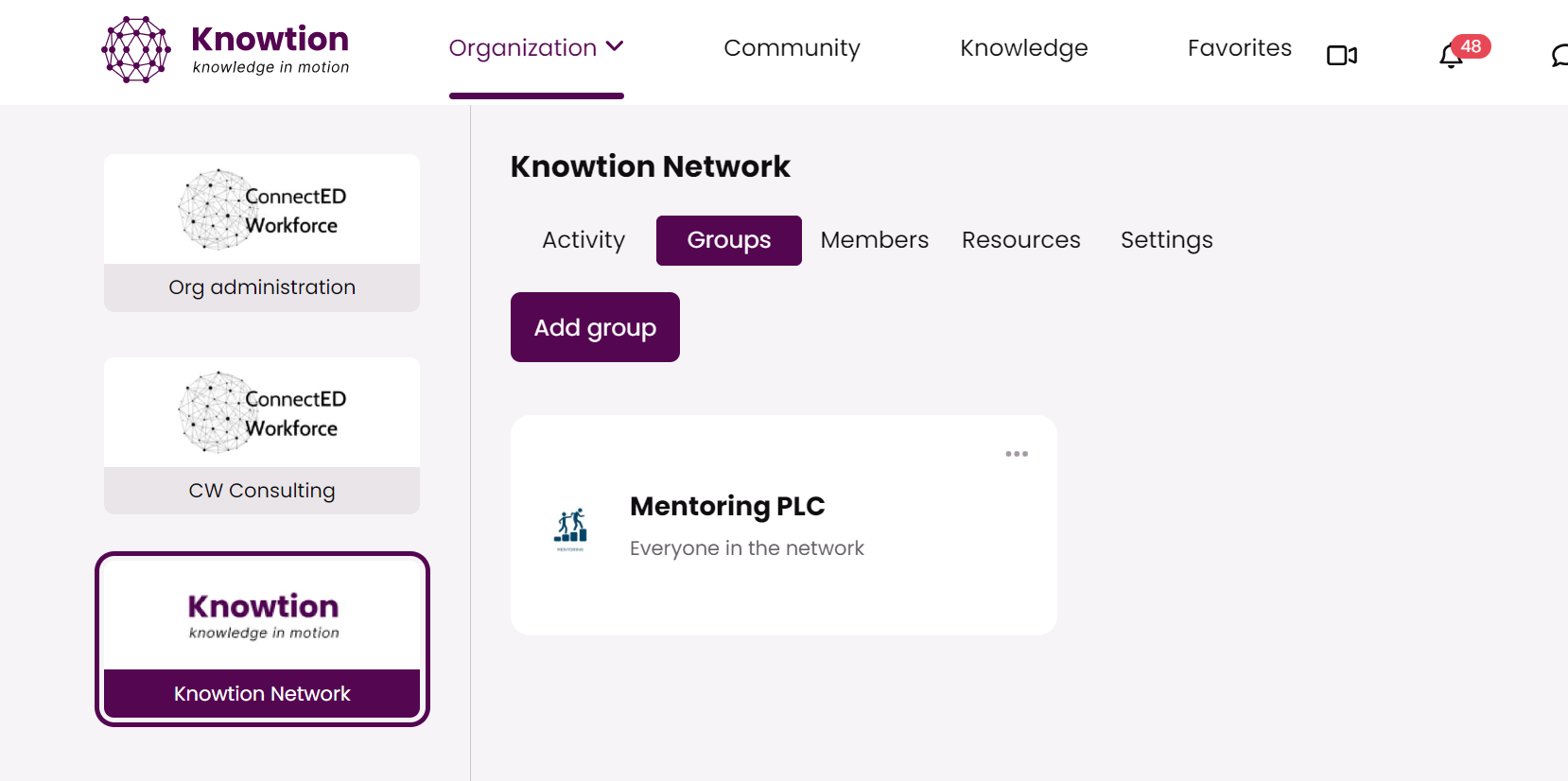
From there- you can see the groups of which you are a member. By clicking on the title of the group you will enter the group space.
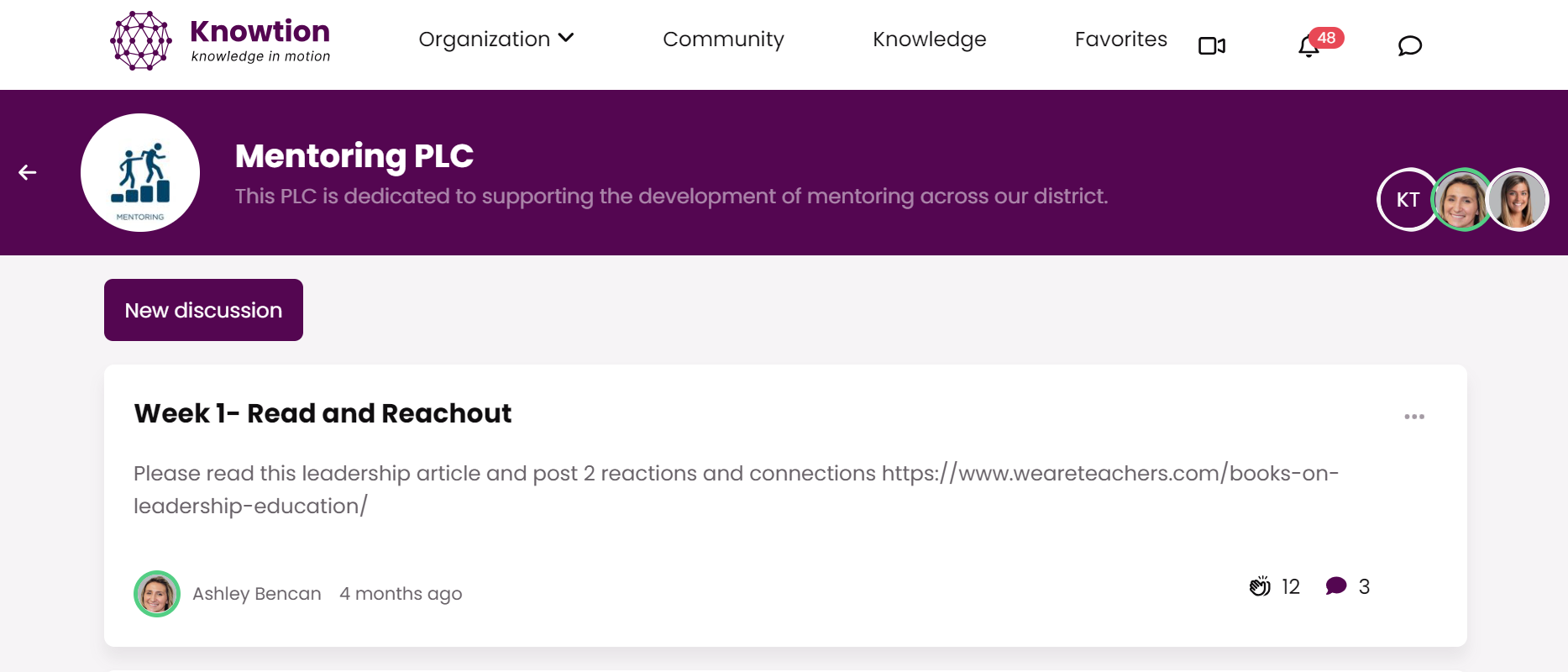
Create a discussion thread
Post a discussion about anything you'd like others to help you think through, discuss or celebrate
Respond to discussion threads
Look at the discussion threads that are posted- reply to them via comment
Upload a picture in your comment to add more clarity to your response
Reply to a colleagues' comment
Tag a colleague by using the @ and typing their name
Drop a clap (or more)
Share a resource from the Knowledge page with your group
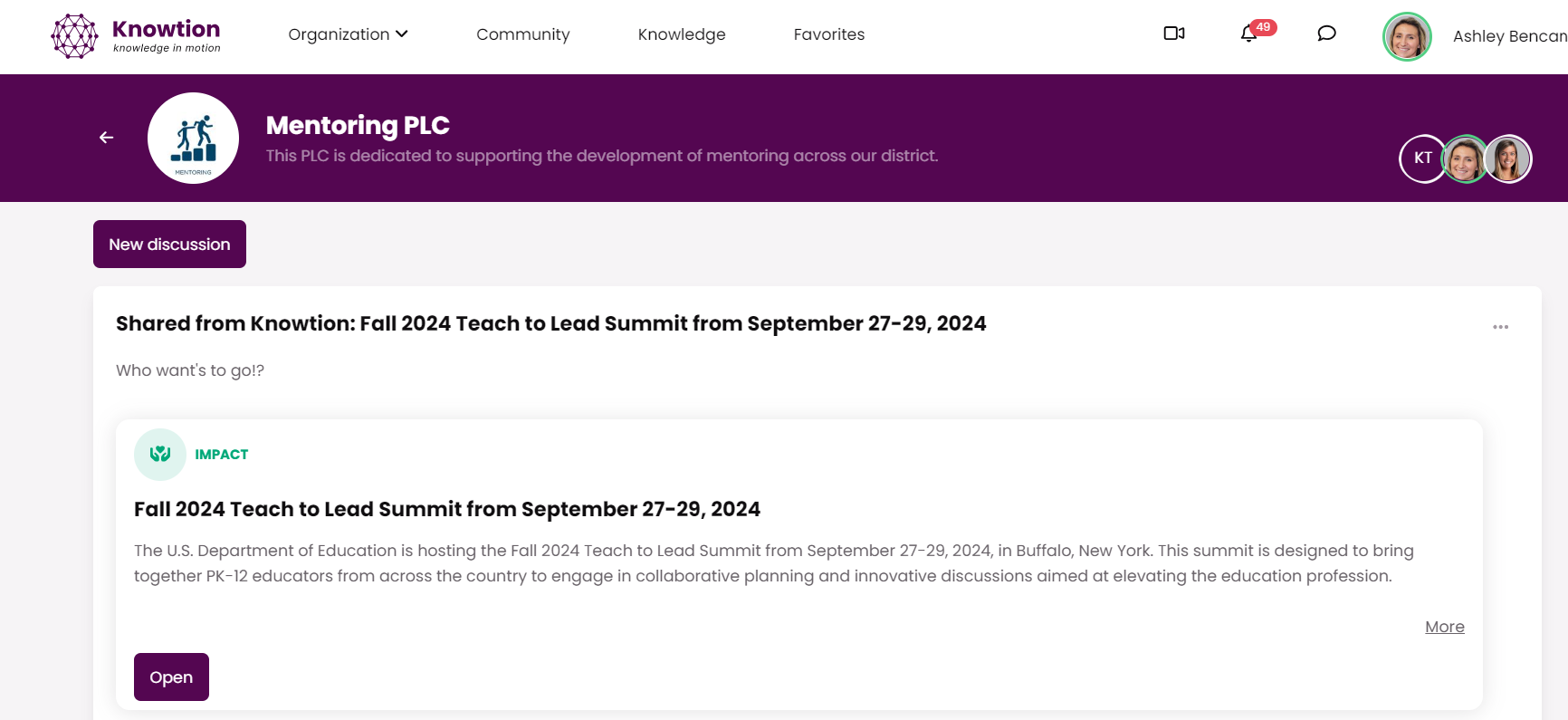
If you find content on the Knowledge page, like a grant or lesson plan template, you can share that directly to your groups as a discussion thread
Your group members will receive a notification that you shared this content with them